Meme Creator
Full creative control over every detail. 31 fonts, text effects, meme style presets, image filters, stickers, and drawing tools. Start with AI captions or write your own from scratch.
Popular right now
Editor Features
Every tool you need to create exactly the meme you have in mind.
31 Fonts
Choose from 31 hand-picked fonts including Impact, Comic Sans, Arial, and specialty fonts for different meme styles. Each font renders crisply at any size.
Text Effects
Apply classic white-on-black outlines, neon glow, drop shadows, hard outlines, or dark mode text effects. Each effect is fine-tuned for readability on any background.
Meme Style Presets
One-click style presets: classic overlay (text on image), caption above (white bar with text above the image), demotivational poster (black border), and deep fried (distorted saturation).
Image Filters
Adjust brightness, contrast, saturation, and apply filters to your meme image. Make it look vintage, boost the colors, or go full deep-fried chaos.
Stickers
Add sticker overlays to your meme. Resize, rotate, and position them anywhere on the canvas. Layer multiple stickers for maximum impact.
Rotate and Flip
Rotate text and stickers to any angle. Flip the image horizontally or vertically. Full transformation controls for precise positioning.
Freehand Drawing
Draw directly on your meme with a brush tool. Choose colors and brush sizes. Perfect for circles, arrows, highlights, and hand-drawn annotations.
Download Formats
Export your meme as high-quality PNG (lossless, best for text) or JPEG (smaller file size). Both formats are full resolution.
Two Ways to Create
Start with AI
Describe your idea in any language and let AI pick the template and write captions. Then customize everything in the editor -- change fonts, apply effects, add stickers, draw on it.
Learn more about AI generationStart from a Template
Browse 430+ templates, pick one you like, and write your own captions from scratch. Full editor access with all fonts, effects, and tools available.
Browse all templatesPopular Templates
View all templates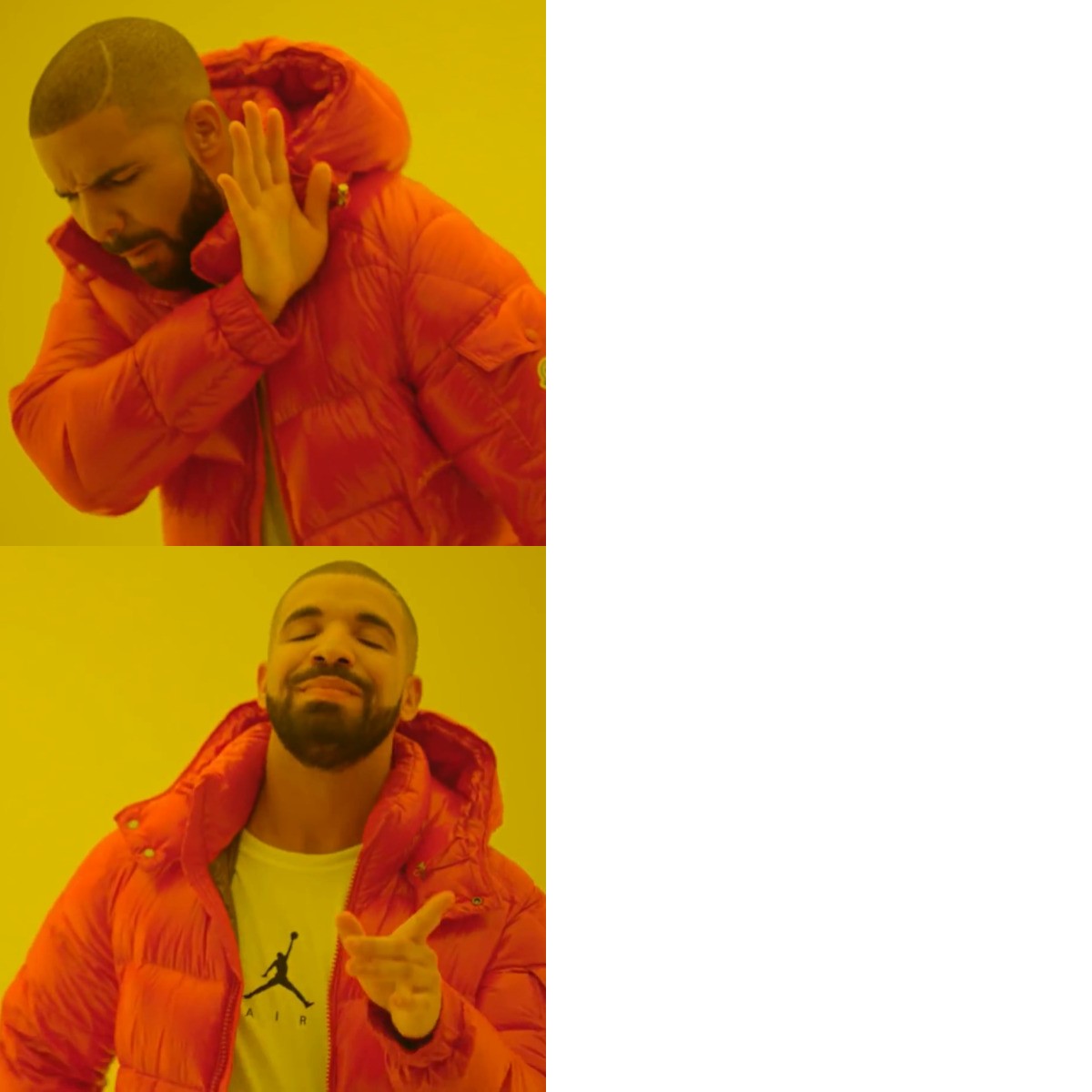
Drake Hotline Bling
The meme contrasts Drake's disapproval of one option with his approval of another, often used to express preferences.
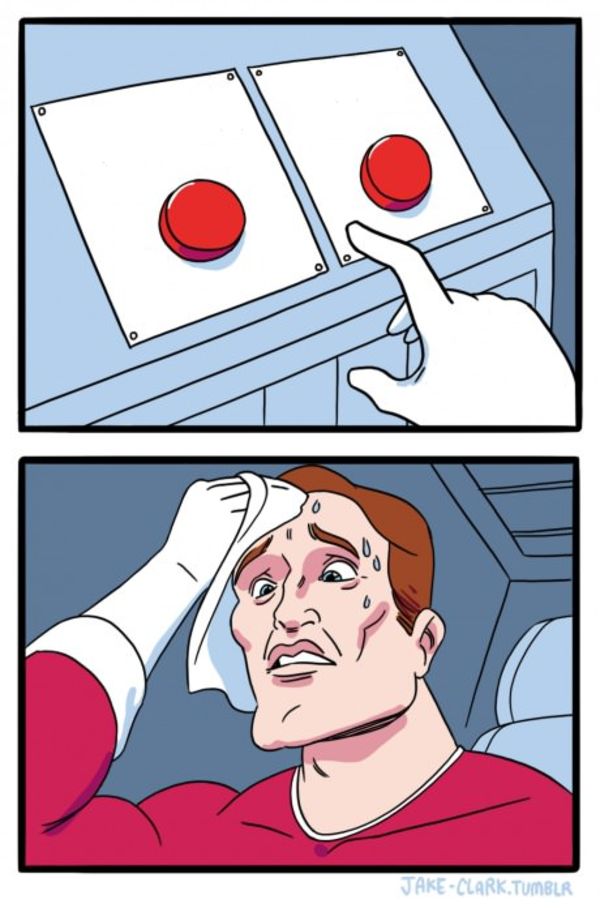
Two Buttons
A man sweating while faced with two difficult or undesirable button choices, often leading to a humorous dilemma.
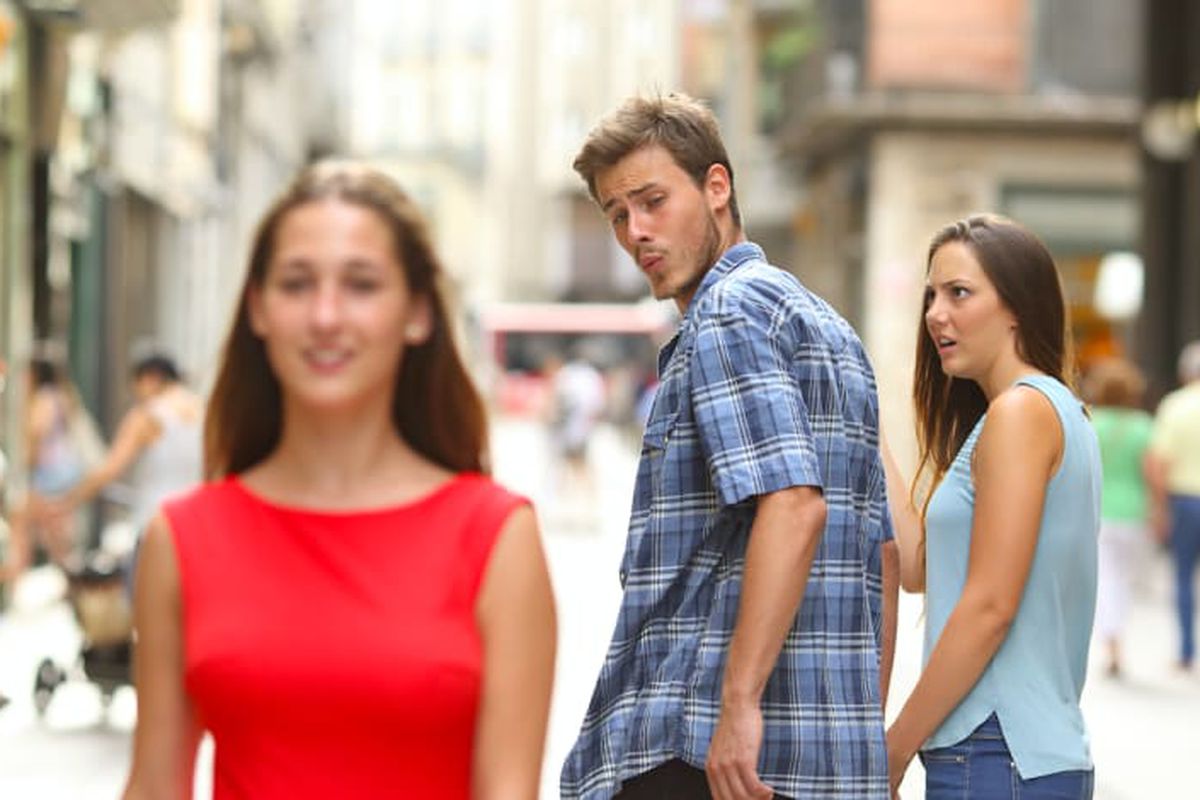
Distracted Boyfriend
A boyfriend's attention is drawn away from his displeased girlfriend by another appealing passing woman, illustrating temptation or changing priorities.
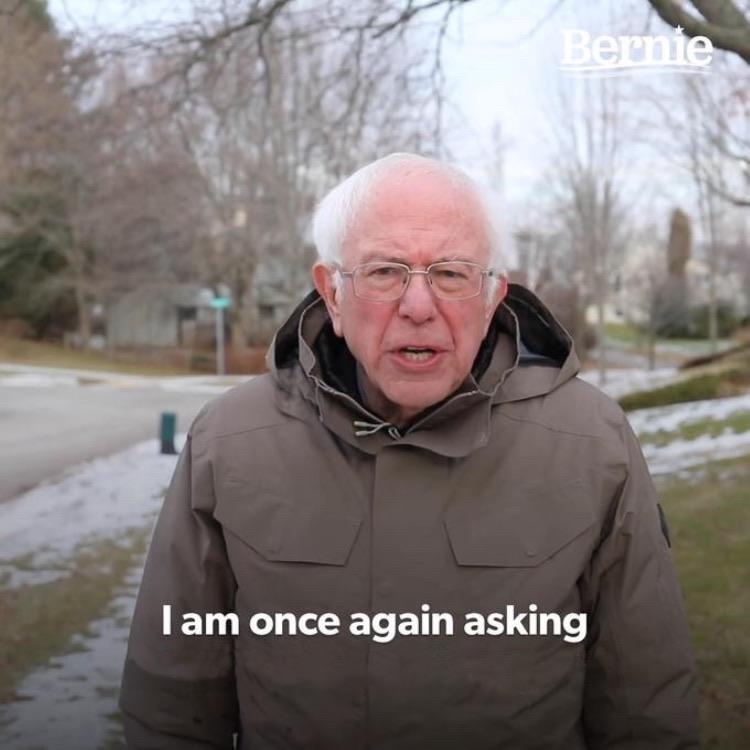
Bernie I Am Once Again Asking For Your Support
Bernie Sanders in a chair with the caption 'I am once again asking for your support,' used to humorously request something repeatedly.
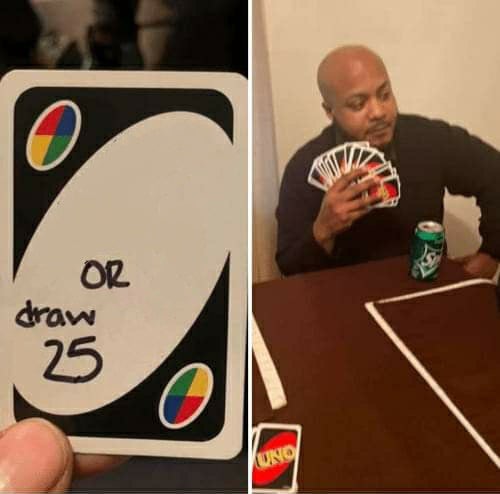
UNO Draw 25 Cards
A person is faced with the choice of performing an undesirable action or drawing 25 UNO cards, used to represent avoiding a task by choosing a worse alternative.
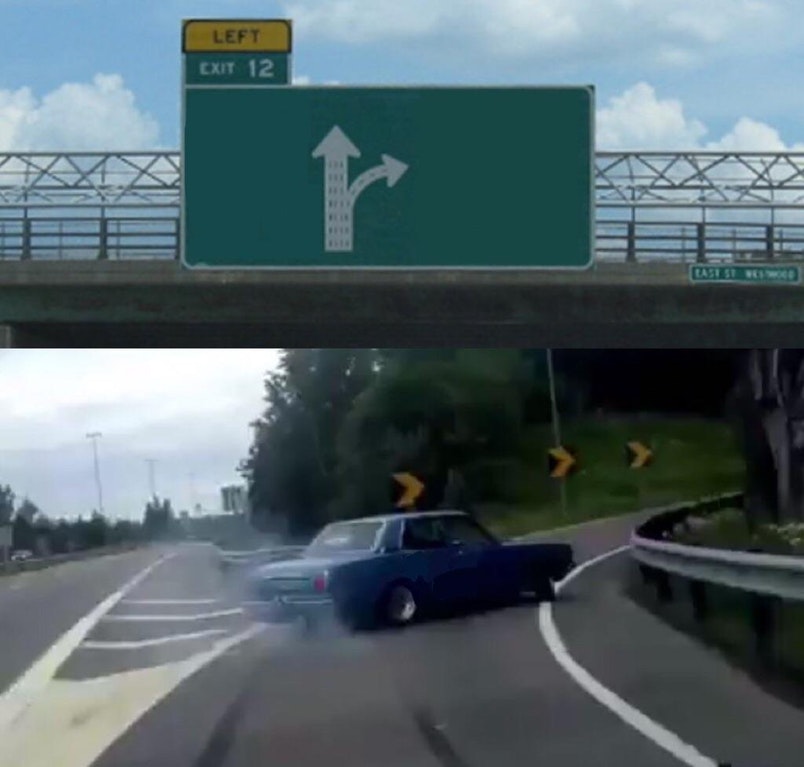
Left Exit 12 Off Ramp
A car veers off the main highway to take an enticing 'exit' representing a distraction from a more important path.
Frequently Asked Questions
What editing tools does the meme creator include?+
The editor includes 31 fonts, text color and stroke controls, text effects (classic, neon glow, shadow, outline, dark), meme style presets (classic overlay, caption above, demotivational, deep fried), image filters, sticker overlays, freehand drawing tools, rotate/flip controls, and full undo/redo history.
Can I use my own image in the meme creator?+
Yes. You can upload any image from your device and use it as the meme base. The AI will analyze your image and suggest captions, or you can write your own text. All image processing happens in your browser -- your photos are not stored on our servers.
How do I add multiple text boxes to my meme?+
The editor supports multiple text zones per meme. Each template comes with pre-positioned text areas that match the meme format. You can edit each text box independently -- change the font, size, color, position, and effect for each one separately.
Can I undo changes in the editor?+
Yes. The editor has full undo and redo support. Every change you make -- text edits, effect changes, sticker placements, drawings -- can be undone step by step. You can also reset the entire meme and start over if needed.
Want AI to do the work? Try the AI meme generator. Looking for a no-cost solution? Check out our free meme maker.
Make memes in your language: Hindi / Spanish / German / French / Arabic